Custom Technology Solutions | O-Tether Case Study
One familiar Wi-Fi network for travel.
A household needed to share an iPhone connection through its existing router while keeping the same Wi-Fi name, password, and layered network protections. We built O-Tether to do that automatically.
No cloud account. No dashboard. Connect the phone to get online.
The usual options did not fit.
The household had reliable mobile data, but sharing it with every laptop, tablet, and connected device was cumbersome. Each device had to join the iPhone hotspot, and the connection did not work like the network everyone already used.
Public Wi-Fi did not meet the privacy or security goal. The existing router could keep the familiar network, but it could not use an iPhone USB tether as its internet connection. O-Tether was built to connect the two.
Five Layers of Network Protection
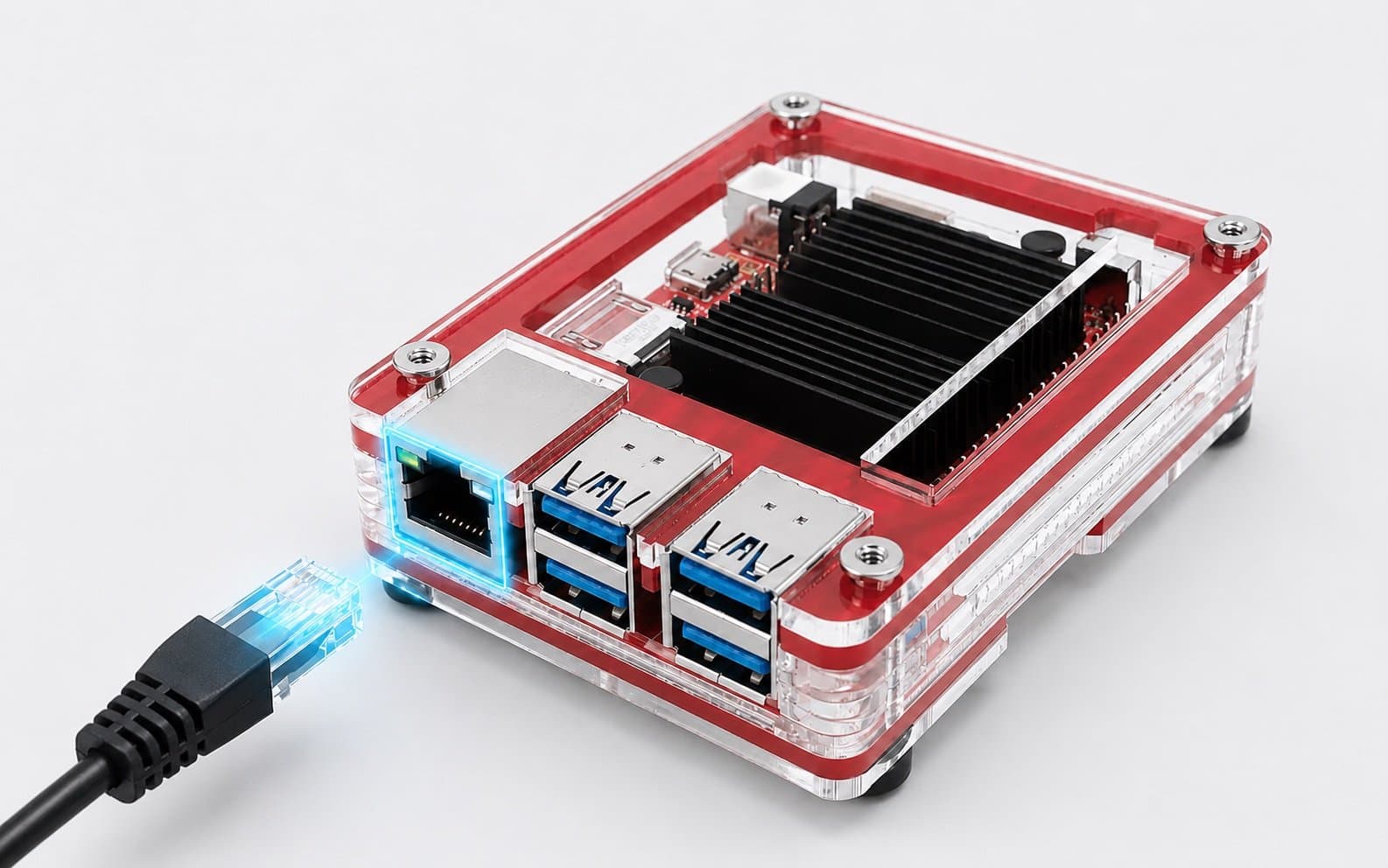
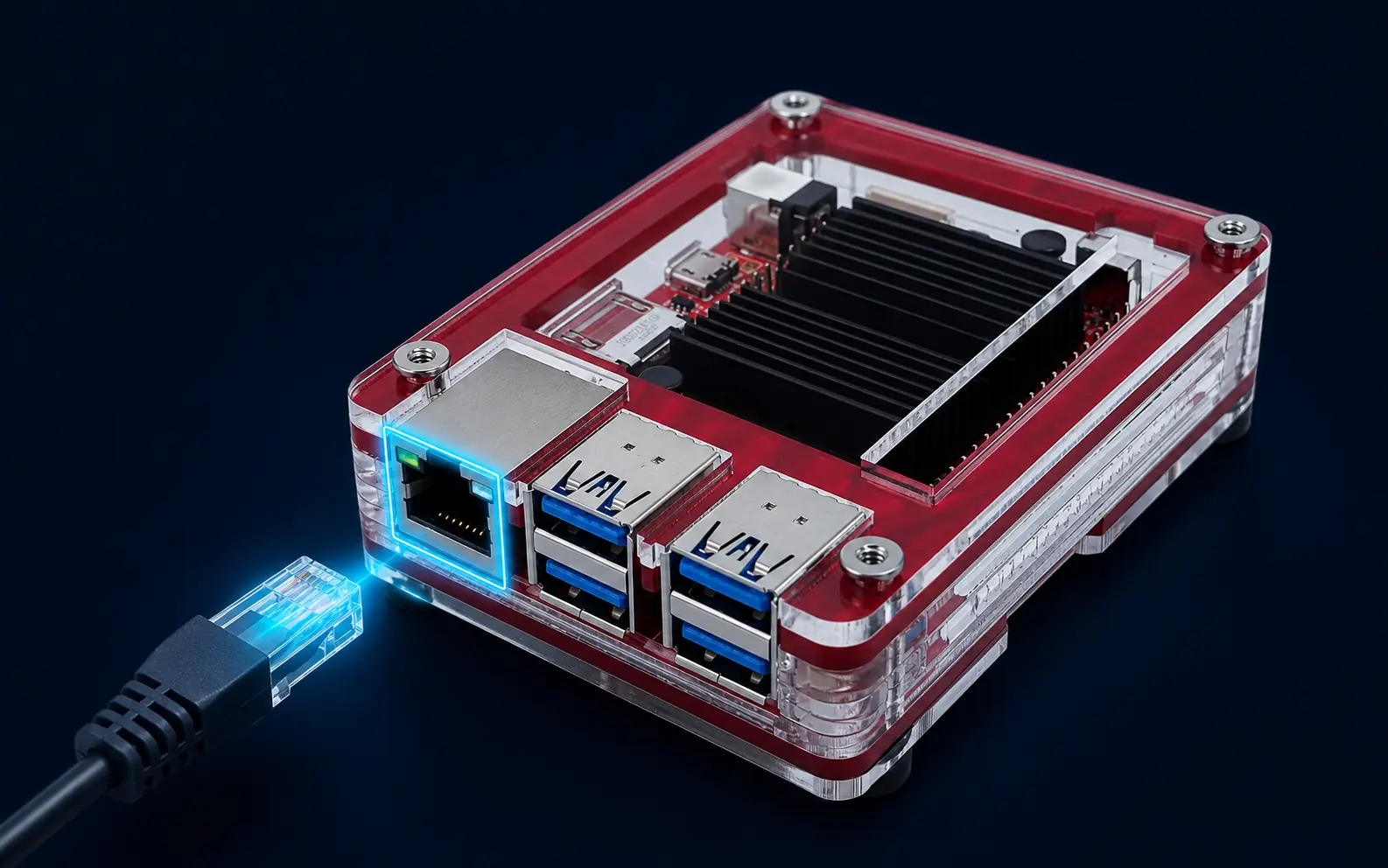
O-Tether runs on a repurposed ODROID C4 between the iPhone and the household router. Its five layers share, filter, inspect, and control the connection:
- L1
Automatic tethering
Detects the iPhone USB tether and brings the connection up automatically. Removing the phone tears it down.
- L2
Default-deny firewall
Allows the expected tether, DNS, and management traffic. Everything else is dropped by default.
- L3
Domain and IP filtering
Uses maintained reputation feeds to block listed domains, IP addresses, and networks.
- L4
Traffic observation
Classifies network flows and records alerts that support troubleshooting and security review.
- L5
Intrusion prevention
Inspects traffic inline, blocks high-confidence signatures, and alerts on other enabled signatures.
- Signed manifest checks verify deployed files before protected services start.
- Inline enforcement fails closed. If the intrusion prevention system cannot inspect queued traffic, that traffic is dropped instead of bypassing inspection.
Connect the iPhone. Keep the existing Wi-Fi.
- iPhoneprovides mobile data
- O-Tetherfilters and forwards traffic
- Existing Routerkeeps its Wi-Fi settings
- Connected Devicesreconnect automatically
O-Tether detects the USB tether, passes the connection through the existing router, and removes the tether path when the phone is disconnected.
Protection at each step.
Familiar Wi-Fi
The existing router keeps its network name and password, so saved devices can reconnect without joining a new hotspot.
Automatic iPhone Tethering
Connect the iPhone by USB and O-Tether brings up the tether path automatically. Disconnect it and the path is removed.
DNS Filtering
Domains on curated malware, phishing, advertising, and tracking lists are blocked during DNS lookup.
IP Threat Intelligence
Known malicious IP addresses and networks from maintained threat feeds are blocked by firewall rules that update each hour.
Intrusion Prevention
Traffic passes through an inline intrusion prevention system. High-confidence threat signatures are blocked, while other enabled signatures create alerts.
Default-Deny Firewall
The firewall allows only the traffic required for tethering, DNS, and administration. Other traffic is dropped by default.
Phone Separation
Devices behind the router cannot start connections back to the iPhone through the tether path.
Router Guest Network
The existing router can keep its guest network, so visitors remain separated when that feature is configured.
No Cloud Dashboard
O-Tether has no web dashboard or cloud account. Routine use is limited to connecting and disconnecting the iPhone.
Need a solution that does not fit a standard service?
O-Tether was a one-household project, not an off-the-shelf product. Custom Technology Solutions starts with the problem, the constraints, and the simplest workable design.