Virus and Malware Removal
Remove viruses, browser hijackers, unwanted software, and other threats from an infected computer.
Did You Know?
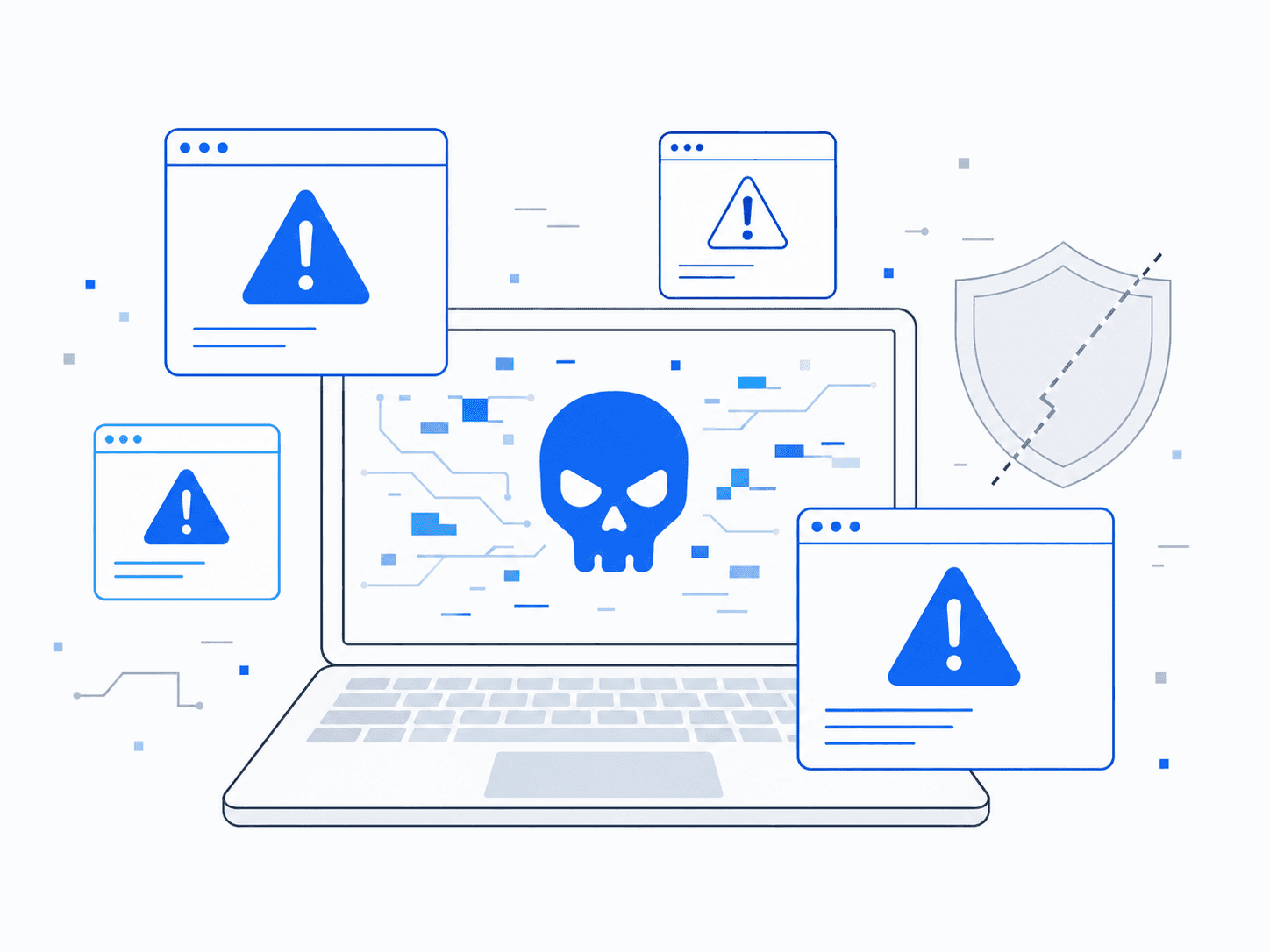
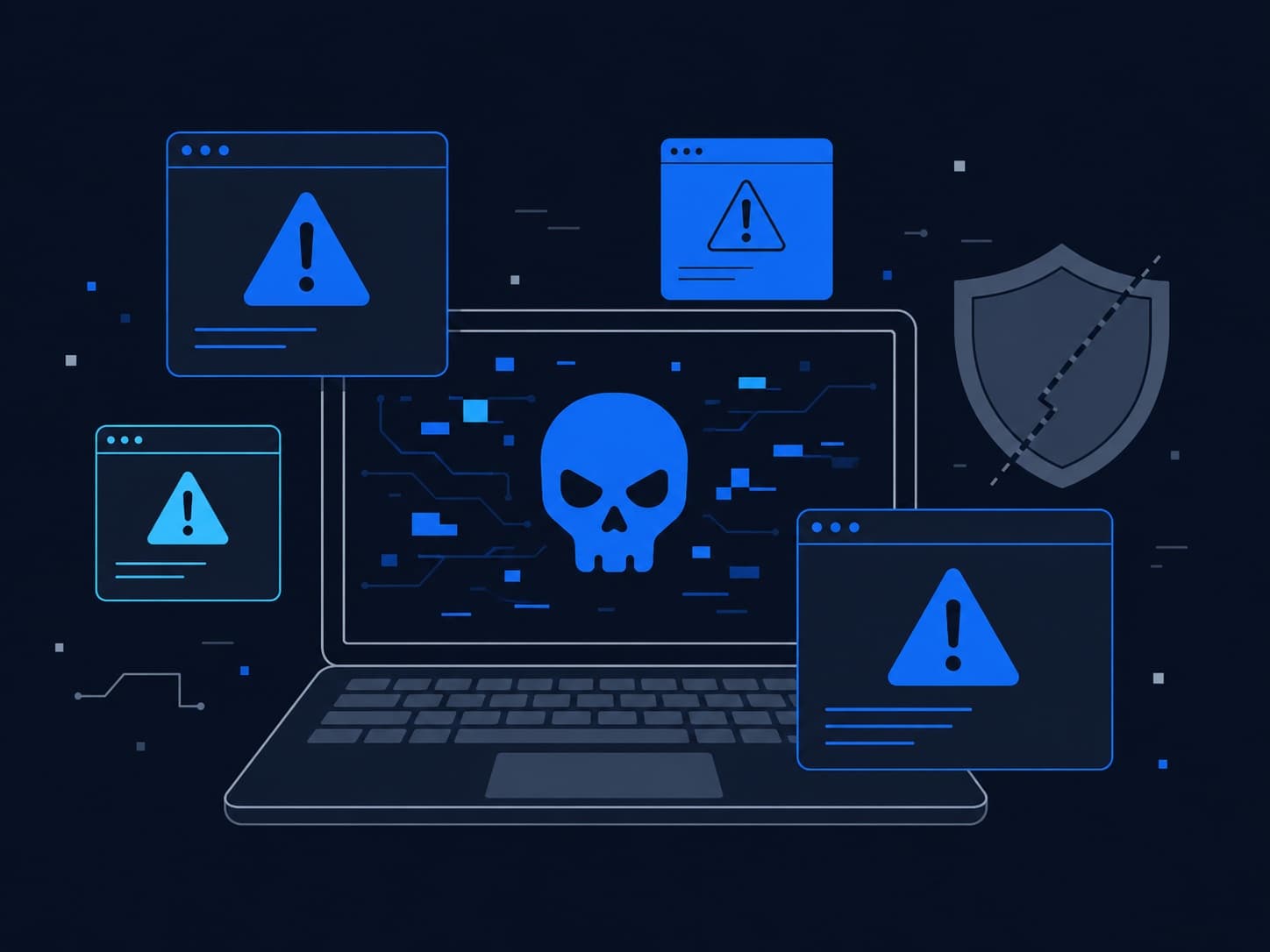
Malware does not always cause obvious symptoms. It can change browser settings, capture account information, or run when the computer starts.
Fake security alerts often try to scare people into calling a phone number, installing software, or paying for unnecessary service.
Removing the visible pop-up may not remove the software or settings that caused it.
Who This Helps
This service is for anyone seeing fake alerts, browser redirects, unwanted programs, disabled security tools, or other signs that a computer may be infected.
It also helps after you open a suspicious attachment, install unsafe software, or give an unknown person remote access to the computer.
Choose this service when the main concern is whether the computer is safe to use.
Signs You May Need Virus Removal
- Pop-ups, fake security alerts, or browser redirects keep appearing
- Your homepage, search engine, or browser extensions changed without permission
- Security software is disabled or system settings keep changing
- The computer became unstable after you opened a link, attachment, or download
- You gave an unknown person remote access to the computer
What We Do
We inspect the computer for malicious software and unwanted changes, remove supported threats, and explain the safest next steps.
- Scan for and remove common malware, adware, browser hijackers, and unwanted programs
- Check browsers, startup items, scheduled tasks, and security settings for unauthorized changes
- Review signs that an infection may have affected online accounts
- Explain what we found and whether the computer can still be trusted
- Recommend account changes, software updates, or a clean rebuild when needed
When Another Service May Be a Better Fit
Choose Virus and Malware Removal when the computer shows signs of infection or no longer feels safe to use. If it is slow or unstable without signs of malware, Computer Repair or Software Troubleshooting and Installation may be a better fit. For help securing accounts after phishing or fraud, choose Scam and Fraud Protection or Password Manager Setup and Account Security.
Local Availability
Virus and malware removal is available in Ocala, Belleview, The Villages, and nearby Central Florida communities. We explain what we find, what can be cleaned safely, and when a full rebuild is the safer option.
Frequently Asked Questions
Can you remove malware without wiping my computer?
Often. Many infections can be removed without erasing the computer. If the system cannot be trusted after cleanup, we explain why a clean rebuild is safer before doing the work.
What if I gave someone remote access or entered account information?
We can secure the computer and help identify the next steps for passwords, accounts, payments, and scam reporting. The exact response depends on what information or access you shared.
Is virus removal the same as general computer repair?
No. Computer Repair covers hardware, performance, and other technical problems. Virus and Malware Removal focuses on infections, unauthorized changes, and computers that may no longer be safe to use.
How It Works
Tell us what is happening. We will help identify the right service and explain what comes next.
- 1
Tell us what is happening
Call, text, or send a message with a brief description of the problem.
- 2
Confirm the service
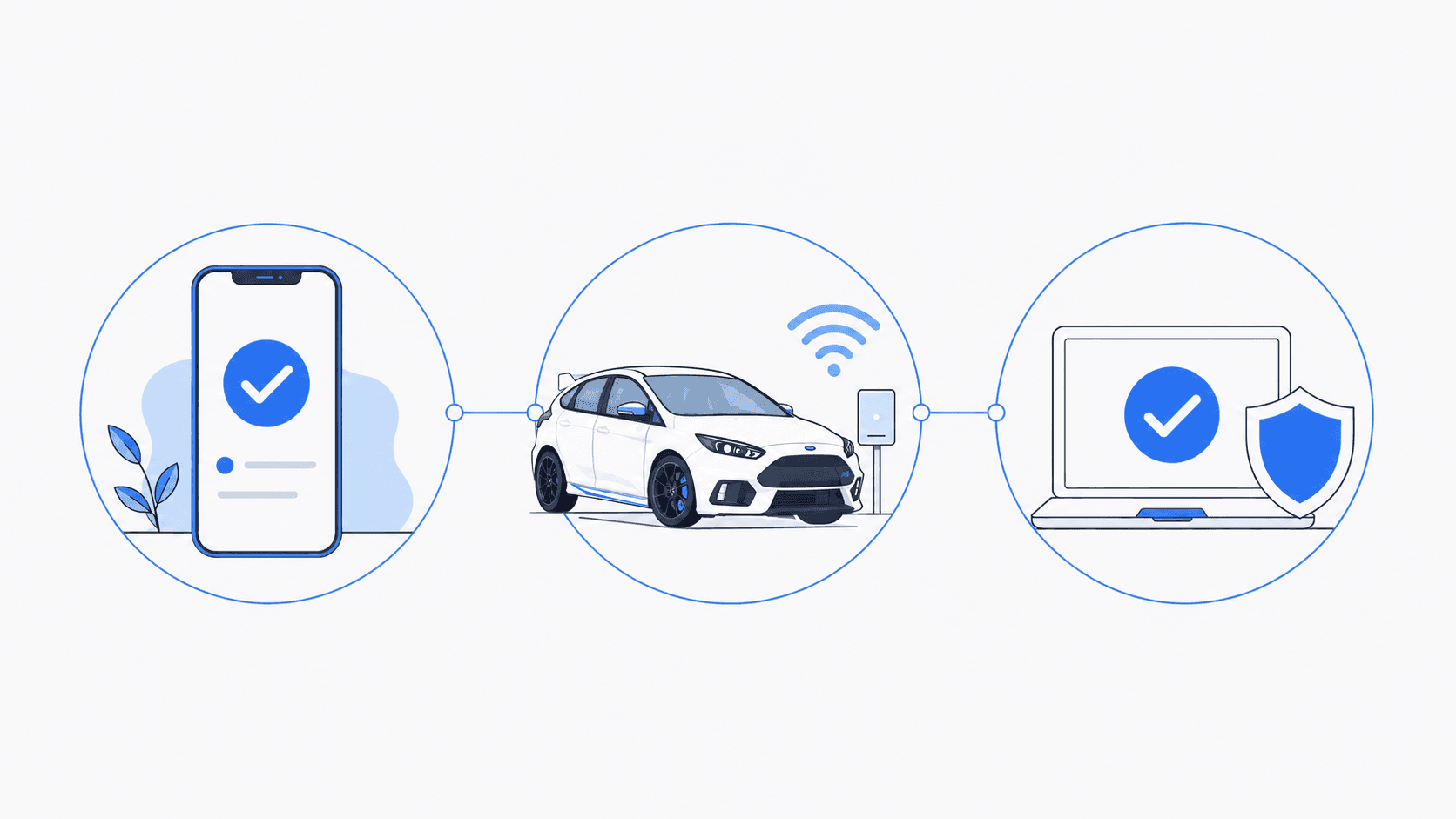
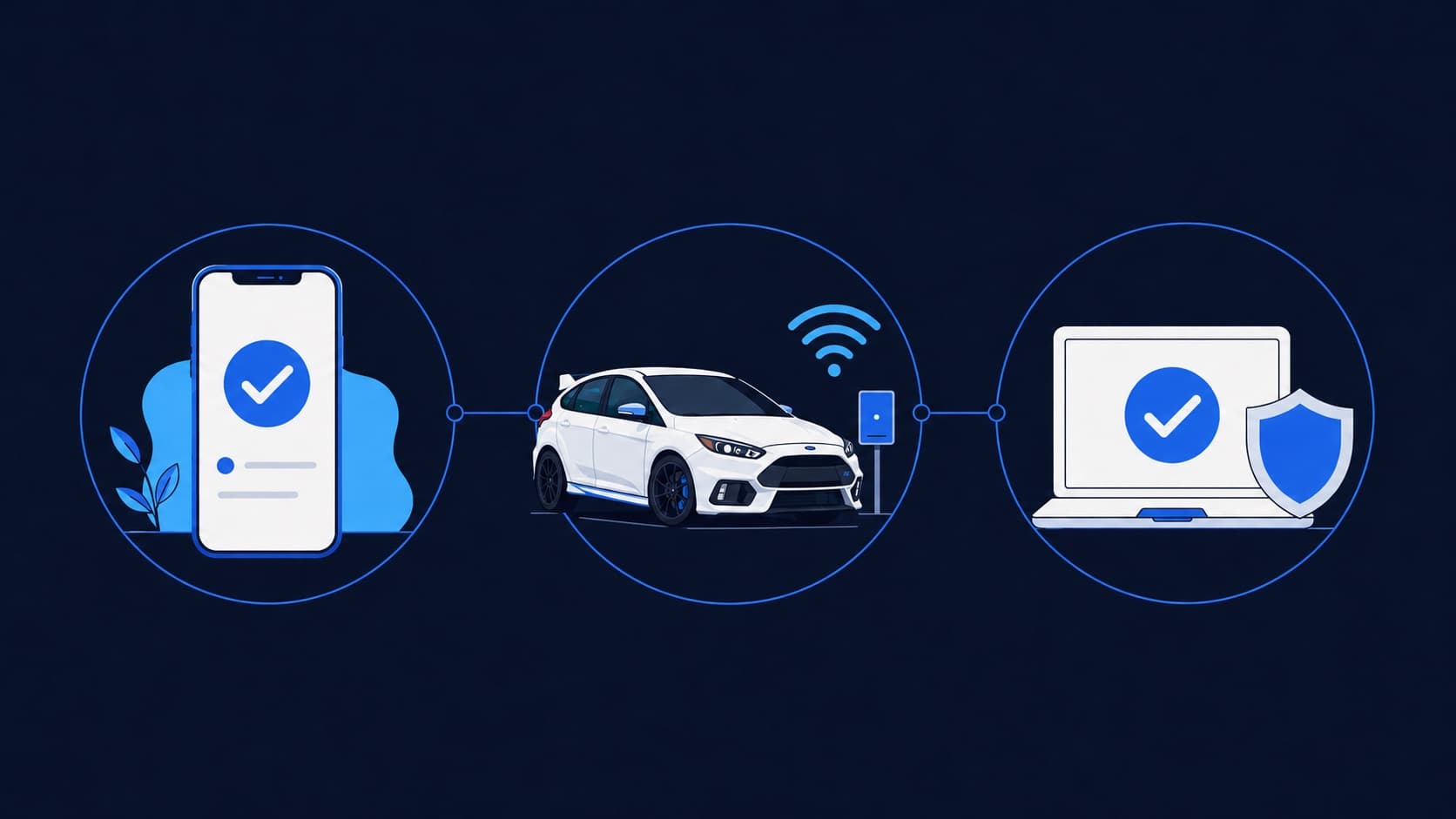
We confirm whether you need an on-site visit, arranged pickup and drop-off, or remote support for an enrolled client.
- 3
Schedule the work
We explain the expected work and cost, then schedule the service that fits your situation.
Schedule Service
Monday through Friday, 9 AM to 6 PM • Saturday, 10 AM to 4 PM