Computer Repair
Diagnose and repair slow, crashing, overheating, damaged, or non-booting laptops and desktops.
Did You Know?
A slow computer may have a failing drive, too little memory, overheating, unwanted software, or several problems at once.
A computer that will not start can still have recoverable files if the storage device remains readable.
A diagnostic can show whether repair, an upgrade, or replacement is the best value.
Who This Helps
This service is for homes and small businesses with a laptop or desktop that is slow, unstable, overheating, damaged, or unable to start.
Choose Computer Repair when you do not know whether the cause is hardware, software, or both.
It is also the right starting point when you need to decide whether the computer is worth repairing.
Signs You May Need Computer Repair
- The computer starts slowly or takes too long to open programs
- It freezes, crashes, restarts, or shows repeated error screens
- The fan runs constantly, the computer becomes unusually hot, or the battery drains quickly
- The computer cannot find its drive or will not complete startup
- The screen, storage, memory, cooling system, or another component may be damaged
What We Do
We diagnose the cause before recommending parts, major software changes, or replacement.
- Test hardware and software related to performance, startup, heat, and stability
- Replace supported drives, memory, batteries, or cooling components
- Resolve startup, overheating, and system stability problems
- Check whether important files are accessible before major repair work
- Recommend upgrades only when they offer useful value
- Explain when repair makes sense and when replacement is the better choice
When Another Service May Be a Better Fit
Choose Computer Repair when the main question is whether the computer can be diagnosed, repaired, or stabilized. For an active infection, choose Virus and Malware Removal. For a working computer that mainly needs more speed, storage, or battery life, choose Laptop and PC Upgrades. If saving files is the first priority, choose Data Recovery and Backup Help.
Local Availability
Computer repair is available in Ocala, Belleview, The Villages, and nearby Central Florida communities. We explain the diagnosis, repair options, and cost before work begins.
Frequently Asked Questions
Do I need a new computer, or can this one be repaired?
A diagnostic can answer that. Many computers can be repaired or upgraded for less than replacement, but age, condition, parts availability, and the cost of the work all matter.
Can you help if my computer will not start?
Yes. We check the drive, memory, power, startup configuration, and other likely causes before recommending a repair. A non-booting computer may still have recoverable files.
Do you work on both laptops and desktops?
Yes. We diagnose and repair supported laptop and desktop hardware and software problems.
How It Works
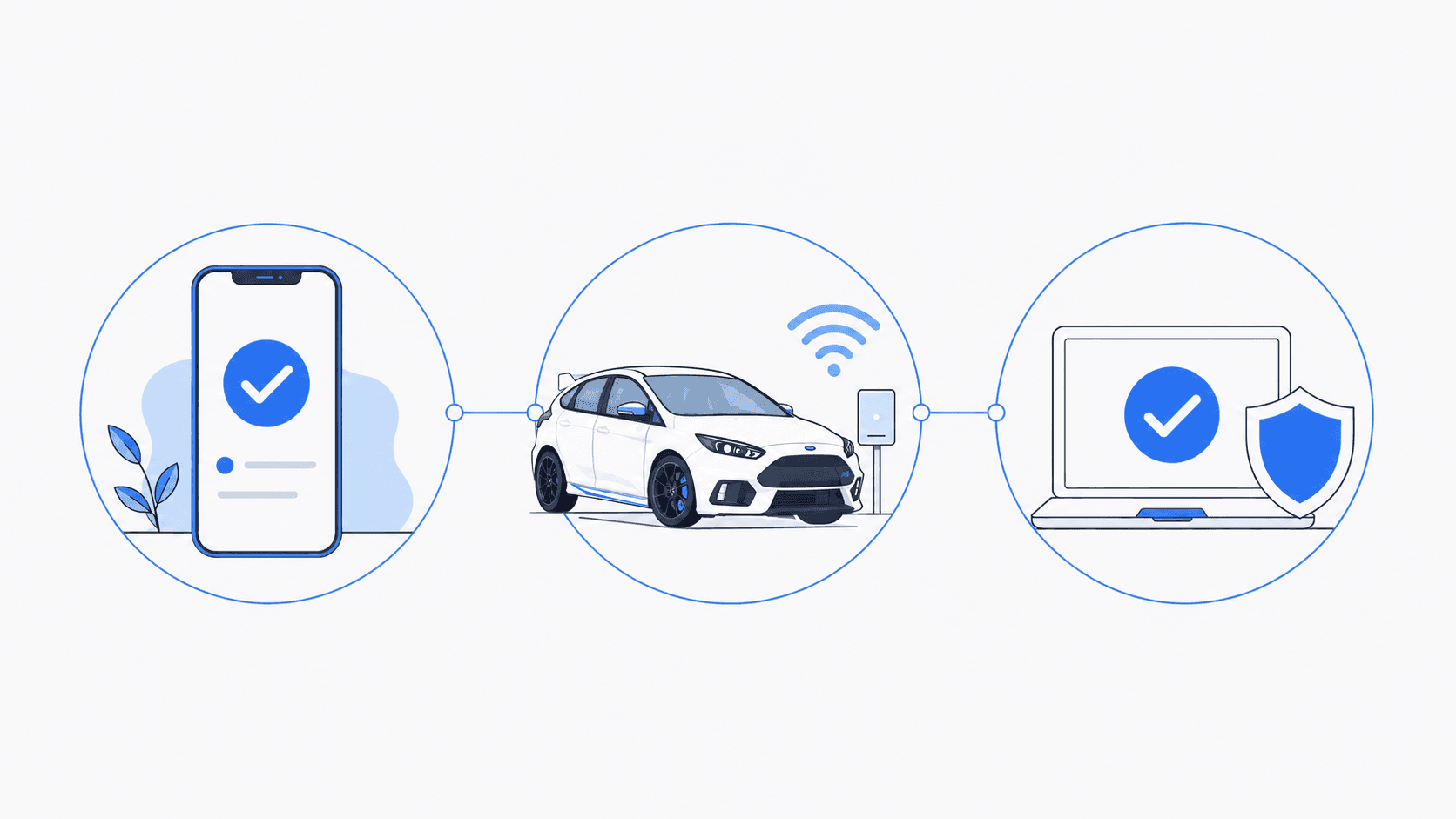
Tell us what is happening. We will help identify the right service and explain what comes next.
- 1
Tell us what is happening
Call, text, or send a message with a brief description of the problem.
- 2
Confirm the service
We confirm whether you need an on-site visit, arranged pickup and drop-off, or remote support for an enrolled client.
- 3
Schedule the work
We explain the expected work and cost, then schedule the service that fits your situation.
Schedule Service
Monday through Friday, 9 AM to 6 PM • Saturday, 10 AM to 4 PM