Laptop and PC Upgrades
Improve the speed, storage, battery life, or cooling of a computer that is still worth keeping.
Did You Know?
Replacing a mechanical hard drive with an SSD can make an older computer start and respond much faster.
More memory can improve performance when normal multitasking uses all available RAM.
Dust, blocked airflow, and worn thermal materials can reduce performance and cause instability.
Who This Helps
This service is for anyone who wants to keep a working computer but needs better speed, storage, battery life, or cooling.
Choose it when replacement seems unnecessary and a practical upgrade can extend the useful life of the computer.
Signs an Upgrade May Be Better Than Replacement
- The computer works but starts slowly or takes too long to open programs
- Normal multitasking uses all available memory
- Storage space is low or the existing drive is slow
- The battery no longer holds a useful charge
- The computer runs hot but is otherwise worth keeping
What We Do
We check compatibility and value before recommending an upgrade, then install and test the supported parts.
- Install SSDs and migrate accessible data when appropriate
- Add or replace compatible memory
- Replace supported batteries or expand storage
- Clean internal components and service cooling when heat affects performance
- Update required firmware and drivers
- Test startup, stability, storage, and temperatures after the work
When Another Service May Be a Better Fit
Choose Laptop and PC Upgrades when the computer works and is worth keeping. If it crashes, will not start, or has physical damage, choose Computer Repair. If saving files is the first priority, choose Data Recovery and Backup Help.
Local Availability
Laptop and PC upgrades are available in Ocala, Belleview, The Villages, and nearby Central Florida communities. We recommend upgrades only when the expected improvement justifies the cost.
Frequently Asked Questions
Is an SSD upgrade worth it?
It often is for a compatible computer that still uses a mechanical hard drive. An SSD can improve startup time and everyday responsiveness without replacing the entire computer.
Can you tell me whether an upgrade is better than replacement?
Yes. We consider the age, condition, compatibility, expected improvement, and cost before recommending an upgrade.
Can you move my files when upgrading storage?
Usually. If the original drive is readable, we can often move the operating system and files to the new storage device.
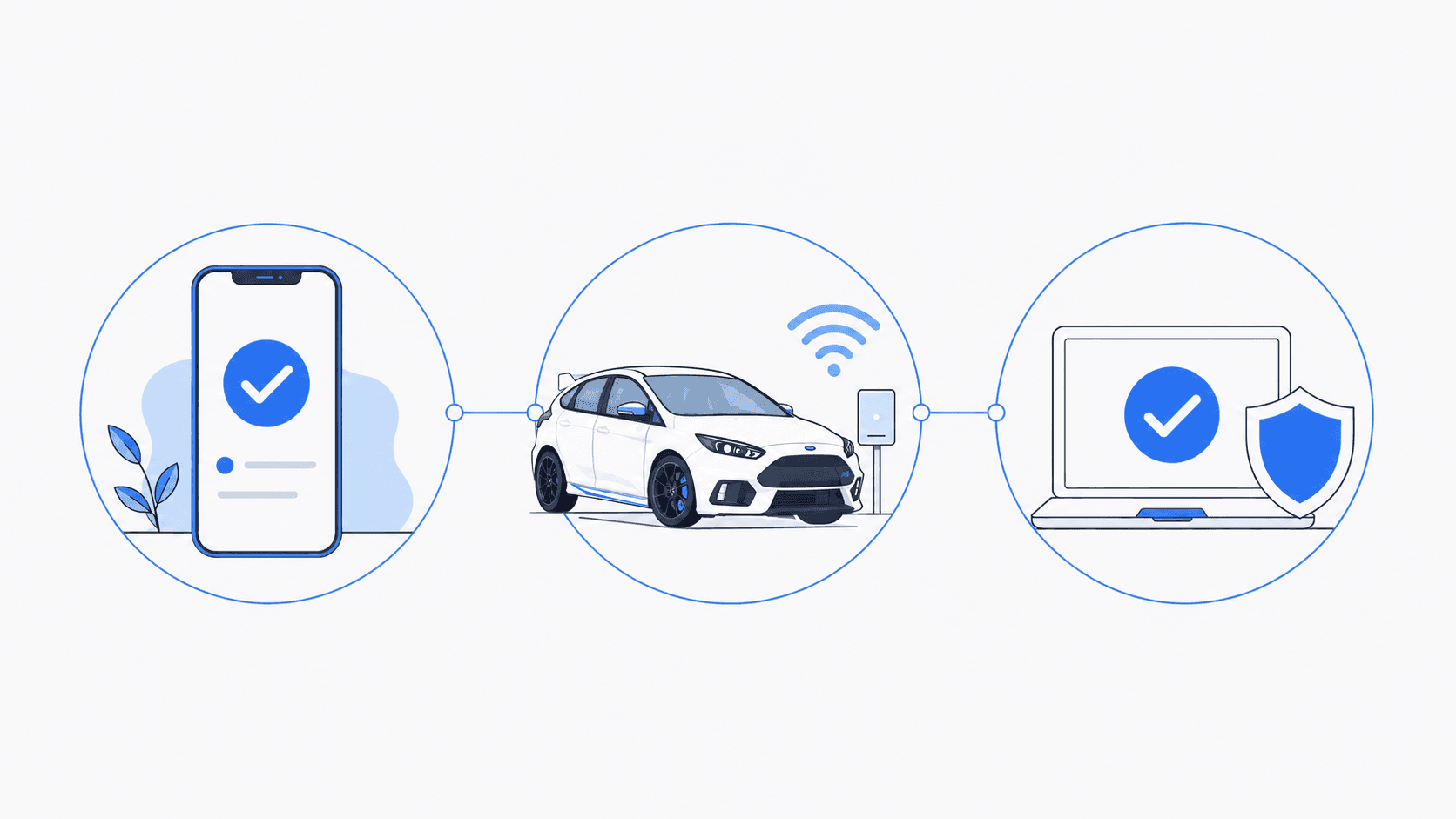
How It Works
Tell us what is happening. We will help identify the right service and explain what comes next.
- 1
Tell us what is happening
Call, text, or send a message with a brief description of the problem.
- 2
Confirm the service
We confirm whether you need an on-site visit, arranged pickup and drop-off, or remote support for an enrolled client.
- 3
Schedule the work
We explain the expected work and cost, then schedule the service that fits your situation.
Schedule Service
Monday through Friday, 9 AM to 6 PM • Saturday, 10 AM to 4 PM