Scam and Fraud Protection
Learn how to recognize scams, respond to suspicious messages, and protect your accounts.
Did You Know?
Scammers often pretend to be banks, delivery companies, government agencies, technology support, or family members.
Pressure and urgency are deliberate. A message that demands immediate payment, secrecy, or account access should be checked through a trusted contact method.
Antivirus cannot stop scams that convince someone to send money, share a password, or approve account access.
Who This Helps
This service is for individuals, families, caregivers, and small businesses that want help recognizing phone, email, text, website, and payment scams.
It can help before a loss, after a close call, or whenever you are unsure whether a message or caller is legitimate.
Signs Scam Protection Would Help
- You receive suspicious calls, texts, emails, or pop-ups that demand money, passwords, or immediate action
- You want help recognizing fake banks, package alerts, technology support, or government messages
- You clicked a suspicious link, shared information, or gave someone remote access
- You help a family member who needs clearer guidance and safer device settings
- You want practical scam education without jargon or scare tactics
What We Do
We review the situation calmly, explain the warning signs, and help reduce the chance that the same tactic works again.
- Explain common phone, email, text, website, and payment scams
- Show how urgency, impersonation, secrecy, and unusual payment requests are used
- Review safer settings for computers, phones, browsers, email, and calls
- Help evaluate suspicious messages and identify the next steps
- Secure risky settings after a scare or close call
When Another Service May Be a Better Fit
Choose Scam and Fraud Protection for prevention, education, or help responding to suspicious messages.
If a computer may be infected, choose Virus and Malware Removal.
If passwords, account access, or multi-factor authentication need attention, choose Password Manager Setup and Account Security.
Local Availability
Scam protection is available in Ocala, Belleview, The Villages, and nearby Central Florida communities. Sessions are calm, practical, and suitable for individuals, families, caregivers, and small businesses.
Frequently Asked Questions
Do I still need scam protection if I already have antivirus?
Yes. Many scams rely on pressure and impersonation instead of malicious software. Antivirus cannot stop you from sending money, sharing information, or approving access in response to a convincing message.
Can you help after I clicked a scam link or gave information to someone?
Yes. We can help assess what happened, secure affected devices and settings, and identify the next steps for passwords and accounts. Virus removal or account security work may also be necessary.
Is this only for seniors?
No. Anyone can be targeted. This service is useful for individuals, families, caregivers, and small businesses that want practical help recognizing and responding to scams.
How It Works
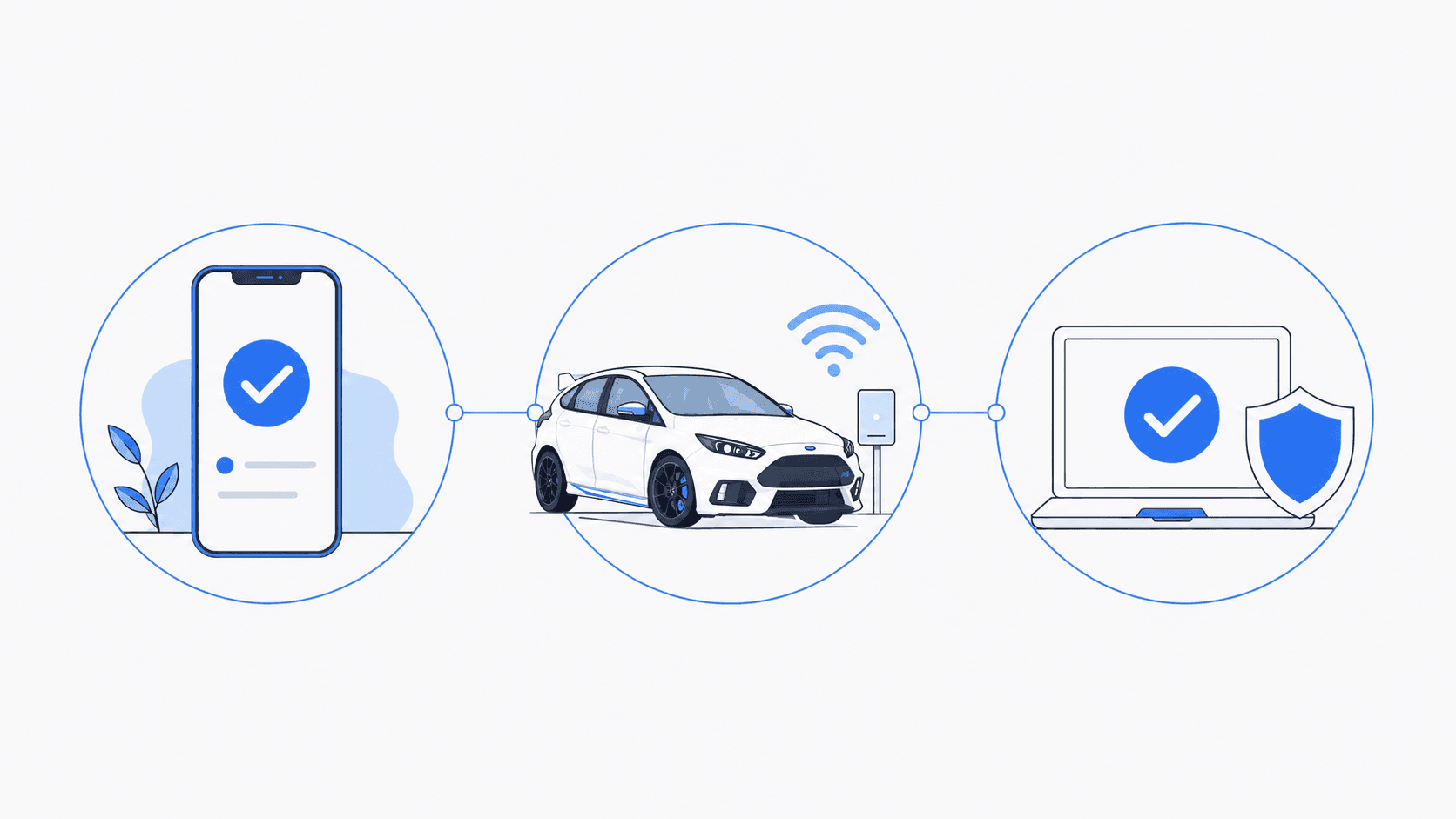
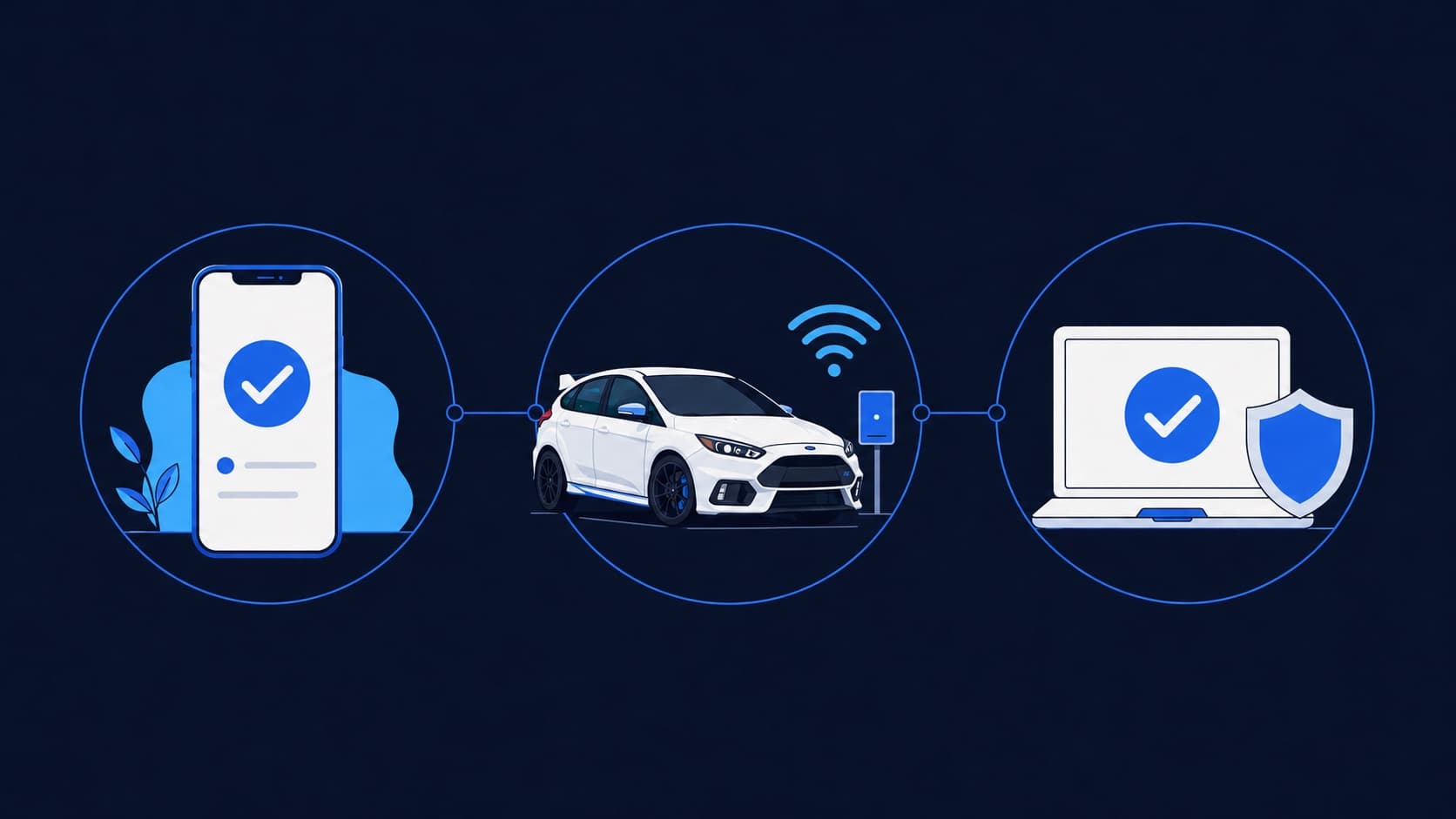
Tell us what is happening. We will help identify the right service and explain what comes next.
- 1
Tell us what is happening
Call, text, or send a message with a brief description of the problem.
- 2
Confirm the service
We confirm whether you need an on-site visit, arranged pickup and drop-off, or remote support for an enrolled client.
- 3
Schedule the work
We explain the expected work and cost, then schedule the service that fits your situation.
Schedule Service
Monday through Friday, 9 AM to 6 PM • Saturday, 10 AM to 4 PM