Data Recovery and Backup Help
Recover accessible files when possible, then build a backup plan you can trust.
Did You Know?
A computer that will not start does not always mean its files are lost.
Clicking sounds, repeated disconnects, and read errors can signal physical drive failure. Continued use can make recovery less likely.
A tested backup is more useful than a backup job that has never been checked.
Who This Helps
This service is for homes and small businesses that lost files, cannot access important data, or have a computer or drive that is beginning to fail.
It also helps anyone who stores important photos, records, or business files without a backup they trust.
Signs You May Need Data Recovery or Backup Help
- Important files were deleted, overwritten, corrupted, or can no longer be opened
- A computer will not start, but the files on it are still important
- A drive clicks, disconnects, runs unusually slowly, or reports errors
- You need to move files safely to a replacement computer or storage device
- Your important files do not have a tested backup
What We Do
We assess the storage device, recover accessible data when possible, and explain the safest next step.
- Determine whether software-based recovery is appropriate
- Advise when a failing drive should be powered down to prevent further damage
- Recover supported deleted, corrupted, or inaccessible files when possible
- Transfer accessible data to a replacement computer or storage device
- Set up encrypted, automated backups for important files
- Use local and offsite backups when the risk and budget support both
- Recommend a specialty recovery lab for severe physical damage
When Another Service May Be a Better Fit
Choose Data Recovery and Backup Help when saving files, transferring data, or setting up reliable backups is the priority. If the computer itself needs diagnosis or repair, choose Computer Repair. If the computer works and mainly needs better performance, choose Laptop and PC Upgrades.
Local Availability
Data recovery and backup help is available in Ocala, Belleview, The Villages, and nearby Central Florida communities. We explain what may be recoverable, when continued use is risky, and when a specialty lab is the safer choice.
Frequently Asked Questions
Can files be recovered from a computer that will not start?
Often, if the storage device remains readable. We assess the computer and explain the available recovery options before doing the work.
Should I keep using a drive that clicks or disconnects?
No. Continued use can cause more damage and reduce the chance of recovery. Turn the device off and have the drive assessed if the files are important.
Can you set up backups after recovery?
Yes. We can set up automatic, encrypted backups and show you how to confirm that they are working.
How It Works
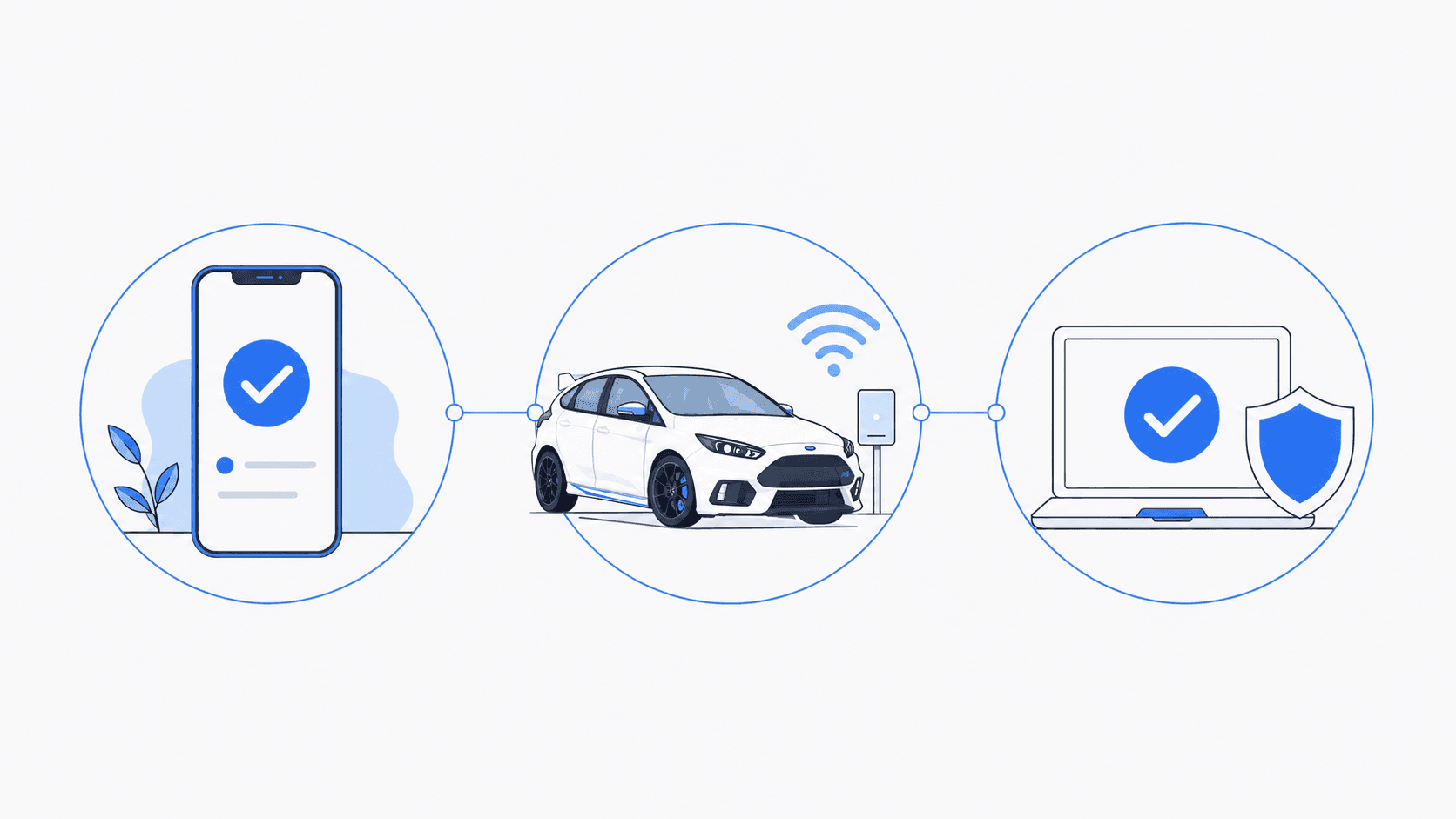
Tell us what is happening. We will help identify the right service and explain what comes next.
- 1
Tell us what is happening
Call, text, or send a message with a brief description of the problem.
- 2
Confirm the service
We confirm whether you need an on-site visit, arranged pickup and drop-off, or remote support for an enrolled client.
- 3
Schedule the work
We explain the expected work and cost, then schedule the service that fits your situation.
Schedule Service
Monday through Friday, 9 AM to 6 PM • Saturday, 10 AM to 4 PM