Remote Virus and Malware Removal
Remove supported malware, pop-ups, and browser hijackers from an enrolled device.
Did You Know?
Malware can change browser settings, install unwanted software, or run automatically when the computer starts.
Remote cleanup is possible only when the device can start and connect safely.
Severe infections, damaged systems, or computers that cannot be trusted after cleanup may require local service or a clean rebuild.
What We Remove
- Common malware, adware, and unwanted software
- Browser hijackers, fake alerts, and unauthorized extensions
- Suspicious startup items and scheduled tasks
- Unwanted remote-access software
- Supported persistence mechanisms found during cleanup
What to Expect
This service requires an active Remote Support Plan and an enrolled device.
We first determine whether remote cleanup is safe and appropriate. If it is not, we stop and recommend the right local service.
Access follows the permissions selected during enrollment. We explain what we find, what we remove, and which account or software changes should follow.
Frequently Asked Questions
Do I need the Remote Support Plan first?
Yes. Remote Virus and Malware Removal is available only for devices enrolled in an active Remote Support Plan.
Can all malware be removed remotely?
No. Remote cleanup works only when the device can connect safely and the infection is within the supported recovery scope. Some cases require local service or a clean rebuild.
What happens after the cleanup?
We explain what was found, review safer settings, and identify any password, account, update, or backup steps that should follow.
How It Works
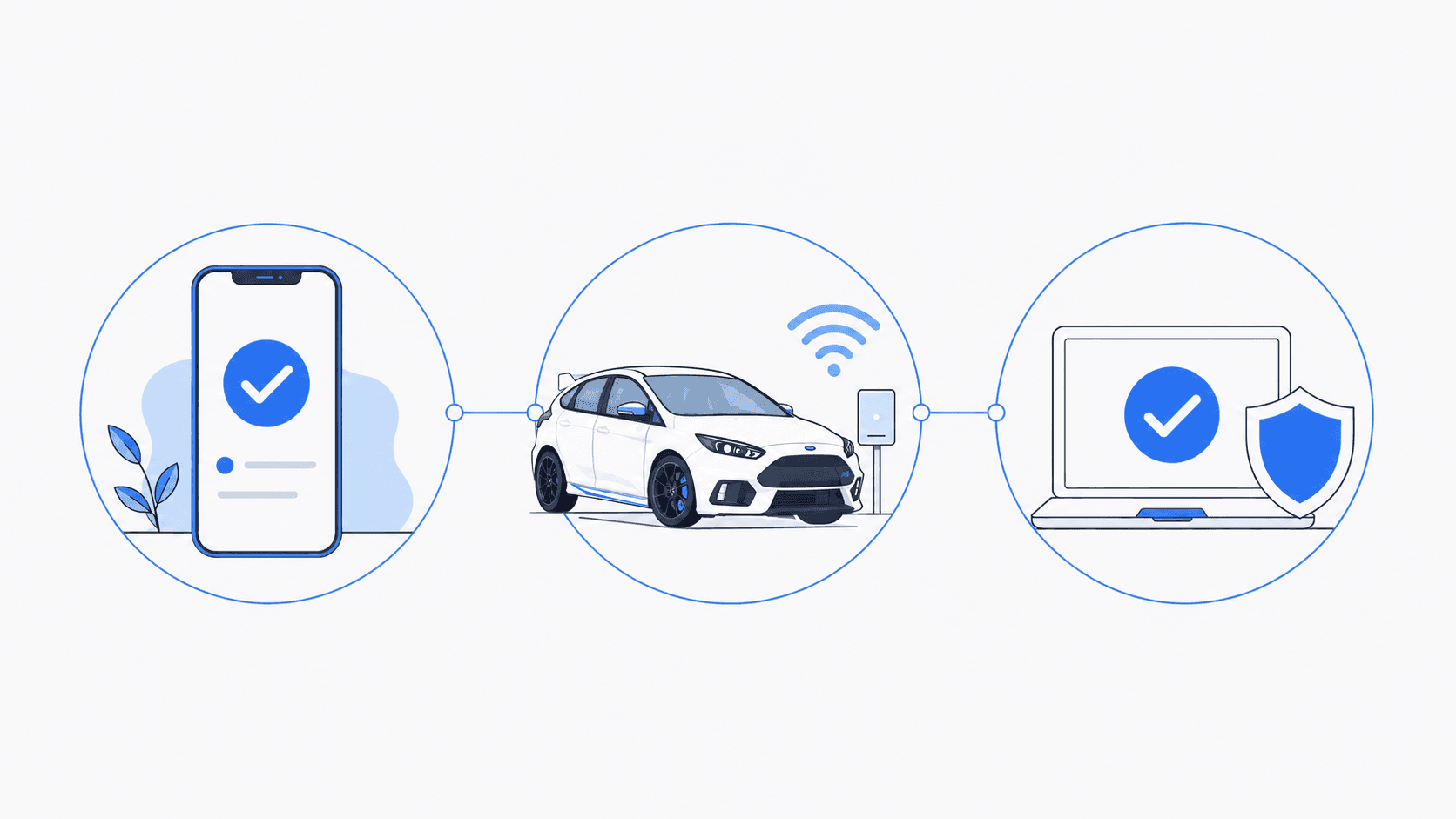
Tell us what is happening. We will help identify the right service and explain what comes next.
- 1
Tell us what is happening
Call, text, or send a message with a brief description of the problem.
- 2
Confirm the service
We confirm whether you need an on-site visit, arranged pickup and drop-off, or remote support for an enrolled client.
- 3
Schedule the work
We explain the expected work and cost, then schedule the service that fits your situation.
Schedule Service
Monday through Friday, 9 AM to 6 PM • Saturday, 10 AM to 4 PM